⏱ 5 Minute Read
Last Updated: November 11, 2026
More property owners are asking AI tools like ChatGPT which property manager to hire. Until now, you had no say in how ChatGPT described your company. That just changed.
On November 10, 2026, OpenAI launched Businesses in ChatGPT in beta. It comes with a free dashboard called the ChatGPT Business Hub, where you can claim your business in ChatGPT, fix your details, and see how often ChatGPT mentions you. OpenAI says ChatGPT has about 1.2 billion weekly users, so this is worth ten minutes of your time.
Here's what it is, how to claim yours, and what to do once you're verified.
What Is the ChatGPT Business Hub?
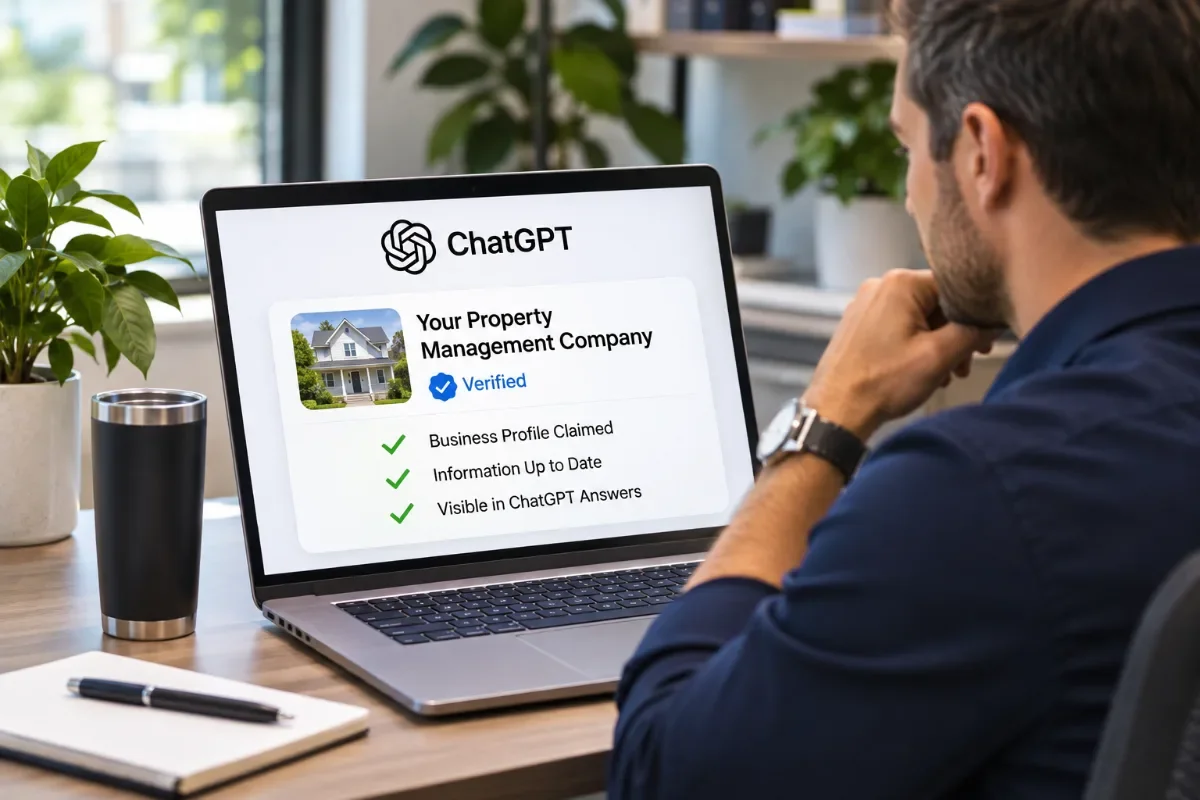
Think of it like a Google Business Profile for ChatGPT. Once you claim and verify your listing, you can:
- Control your profile. Update your website, description, category, logo, and cover photo.
- See your numbers. Track mentions, profile views, website clicks, and "discovery topics" over the past 28 days.
- Get a verified badge. A verified profile shows owners the information came from you.
Businesses in ChatGPT is not the same as ChatGPT Business, OpenAI's paid team plan. You don't need a paid plan to claim your profile.
Why Property Managers Should Claim Their Listing Now
Owners don't just Google "property management near me" anymore. Many ask ChatGPT, "Who should I hire to manage my rental home in [city]?" If ChatGPT pulls an old phone number or the wrong service area, you lose that owner before they ever reach your website.
Claiming your profile gives you three things:
- Accuracy. You control the facts ChatGPT shows about your company.
- Ownership. No past employee, vendor, or competitor can claim it first.
- Data. For the first time, you see how often ChatGPT points people to your website.
Professional property managers already know the value of owning their online presence. This is the same idea, applied to AI search.
How to Claim Your Business in ChatGPT, Step by Step
Step 1: Go to the Business Hub
Sign in to ChatGPT and open Business Hub from the sidebar, or go to chatgpt.com/business-hub.
Step 2: Log in with an account your company owns
The profile is tied to the ChatGPT account you're signed in with. Use an account that belongs to the business owner or a long-term manager, not a personal login that could leave with an employee. You can add teammates or your marketing agency later.
Step 3: Search for your business and click Claim
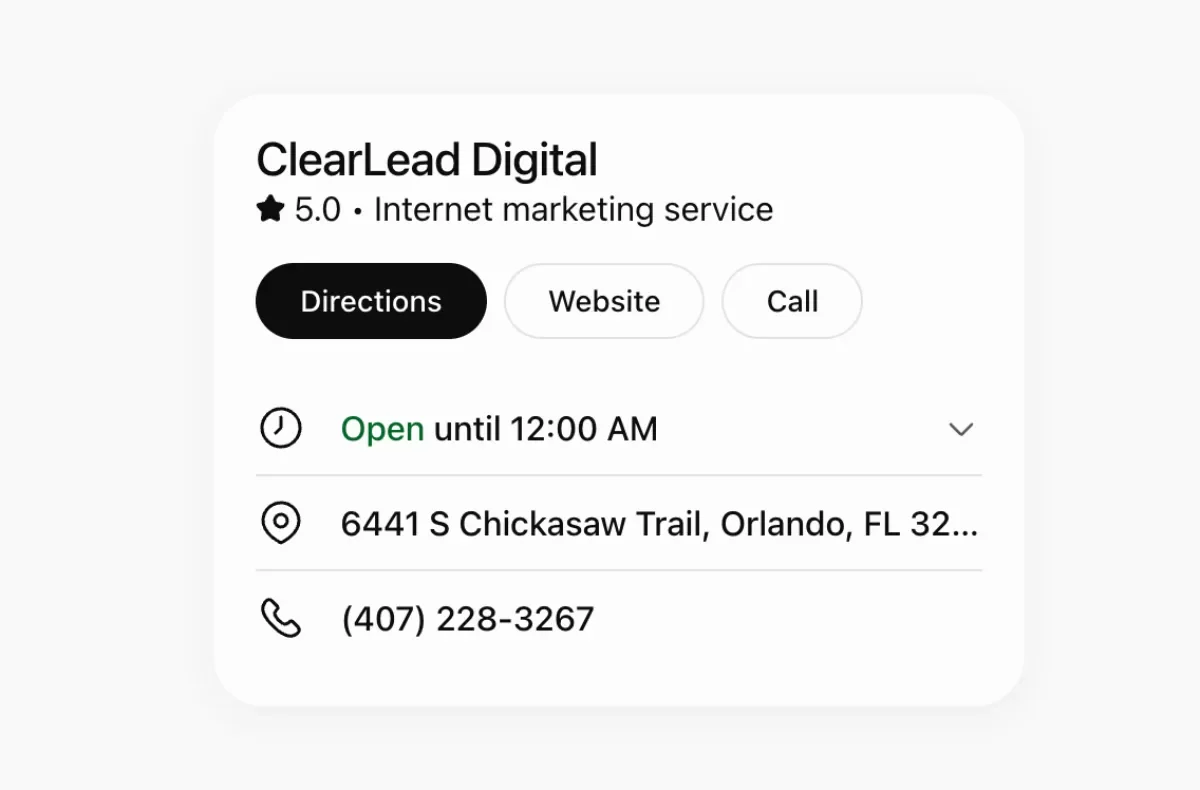
Search for your company by name, pick the matching listing, and click Get started to begin your claim.
Step 4: Verify that you own the business
ChatGPT only shows the methods that apply to you. Most property managers will see one or more of these:
- Business phone: Get a code by text or automated call to the number on your listing.
- Business email: Get a code sent to your business email.
- Website domain (DNS): Add a TXT record to your domain's DNS settings through your domain provider, like GoDaddy, Squarespace Domains, or Cloudflare.
If you use the DNS option, watch the "host" field. Many domain providers add your domain name automatically, so pasting the full host can break verification. DNS changes can also take a few hours to show up, so a failed first try usually just means "wait and retry."
Step 5: Verify your identity
After your business is verified, ChatGPT asks the person managing the profile to confirm who they are. This is done through Persona, an ID verification company. Expect to upload a photo of a government ID. Some businesses may also be asked for business registration documents. This review can take a few days.
Step 6: Finish your profile
Once you're approved, fill in every field. Choose your category, add your logo and cover photo, and write a clear description. Say what you manage (single-family homes, condos, small multifamily), the areas you serve, and the credentials behind your team, like NARPM® membership and the MPM® and RMP® designations.
At launch, OpenAI says physical, local businesses can only claim an existing listing, and only in the United States. If your company doesn't show up yet, check back, and keep your website and Google Business Profile accurate in the meantime.
What Claiming Will Not Do
Be realistic about what this is. OpenAI states that claiming does not guarantee higher placement. ChatGPT still decides who to recommend based on what it finds across the web.
A few other limits to know:
- You won't see the actual questions people asked. Only general topics.
- Clicks aren't visits. Your website analytics is still the real record of traffic and leads.
- Each office is claimed separately. Multi-location companies will need one claim per location for now.
- No competitor data. The Business Hub won't tell you who ChatGPT recommended instead of you.
What to Do After You Claim Your Profile
Claiming is the first step. Getting recommended is the real goal. Here's what moves the needle:
- Match your details everywhere. Your name, address, phone, and services should be the same in ChatGPT, on your website, and on your Google Business Profile.
- Answer owner questions clearly. Pages with a short, direct answer near the top are the ones AI tools quote. Learn more about how property management companies show up in AI Overviews and ChatGPT.
- Keep content accurate. If you use AI to draft blog posts, check every fact before you publish. Our free AI-Written Content QA Checklist walks you through it, and our AI Prompt Library helps you write better first drafts.
- Track ChatGPT traffic. ChatGPT adds
utm_source=chatgpt.comto its links, so you can filter for it in Google Analytics 4. - Read your discovery topics. They show what ChatGPT already connects to your company. Gaps between those topics and your services are your next content ideas.
Claiming your profile is a great start. Book a free strategy call and we'll show you how your company shows up in Google and AI answers today, who's getting recommended instead, and what to do next.
The Bottom Line
ChatGPT is becoming one of the places owners go to find a property manager. Claiming your business in ChatGPT takes a few minutes, costs nothing, and puts you in control of your information. Do it this week, then focus on the work that earns recommendations: accurate details, helpful content, and a strong reputation.
Frequently Asked Questions
Is it free to claim your business in ChatGPT?
Yes. Claiming and verifying your business profile in the ChatGPT Business Hub is free. ChatGPT Ads are a separate, paid product.
Will claiming my business make ChatGPT recommend my property management company more?
Not on its own. OpenAI says claiming does not guarantee higher placement. It does let you correct your business details and see how often ChatGPT mentions your website. Recommendations still depend on your website content, reviews, and information across the web.
How long does it take to claim your business in ChatGPT?
The first part takes a few minutes. Phone and email codes work right away. A DNS record can take a few minutes to several hours. The identity check that follows can take a few days to clear review.
What if my property management company has more than one office?
Right now, each location is claimed separately. There is no central dashboard for multi-location brands yet.
Does a ChatGPT business profile replace my Google Business Profile?
No. Google Business Profile powers Google Search and Maps. The ChatGPT profile covers ChatGPT. Keep both up to date, with the same name, address, phone, and services on each.