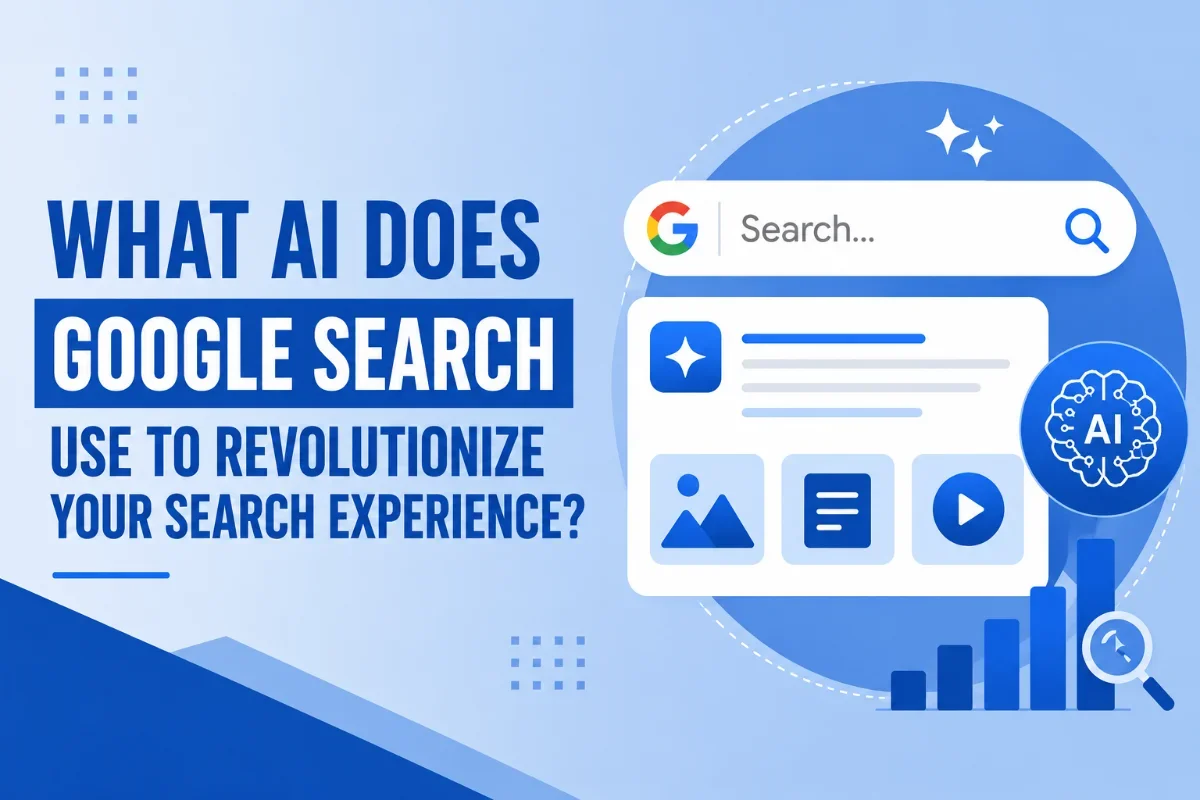
What AI Does Google Search Use to Revolutionize Your Search Experience?
Last Updated: August 10, 2026
Quick Answer
What AI does Google Search use?
Google Search uses Gemini, Google’s family of AI models. Gemini powers AI Overviews, AI Mode, Chrome, Gmail, Docs, and other Google products.
You typed a question into Google last week and got a tidy little summary at the top of the page before the blue links even loaded. That summary did not write itself. There's an AI model doing the heavy lifting, and as of early 2026, it has a name, a version number, and a pretty big job.
This post breaks down exactly what AI Google Search runs on, how it shows up in your results, and how the same brain also lives inside Chrome as a built-in helper called Gemini. By the end, you'll know what's happening when you see an AI Overview, what AI Mode actually does, and how to add Gemini to your browser if you want it riding shotgun while you work.
Introduction to AI in Google Search
Brief overview of Google Search
Google Search has been around since 1998, and for most of that time, the formula was simple. You typed words. Google matched them against billions of web pages. You got ten blue links. You clicked one.
That worked great when your question had a short answer or a clear best result. It worked less well when your question was messy, like "what's the best dog breed for a small apartment with a toddler and a senior cat." For a query like that, you'd run three or four searches, open ten tabs, and stitch the answer together yourself.
That's the gap AI was built to close.
ClearLead Takeaway
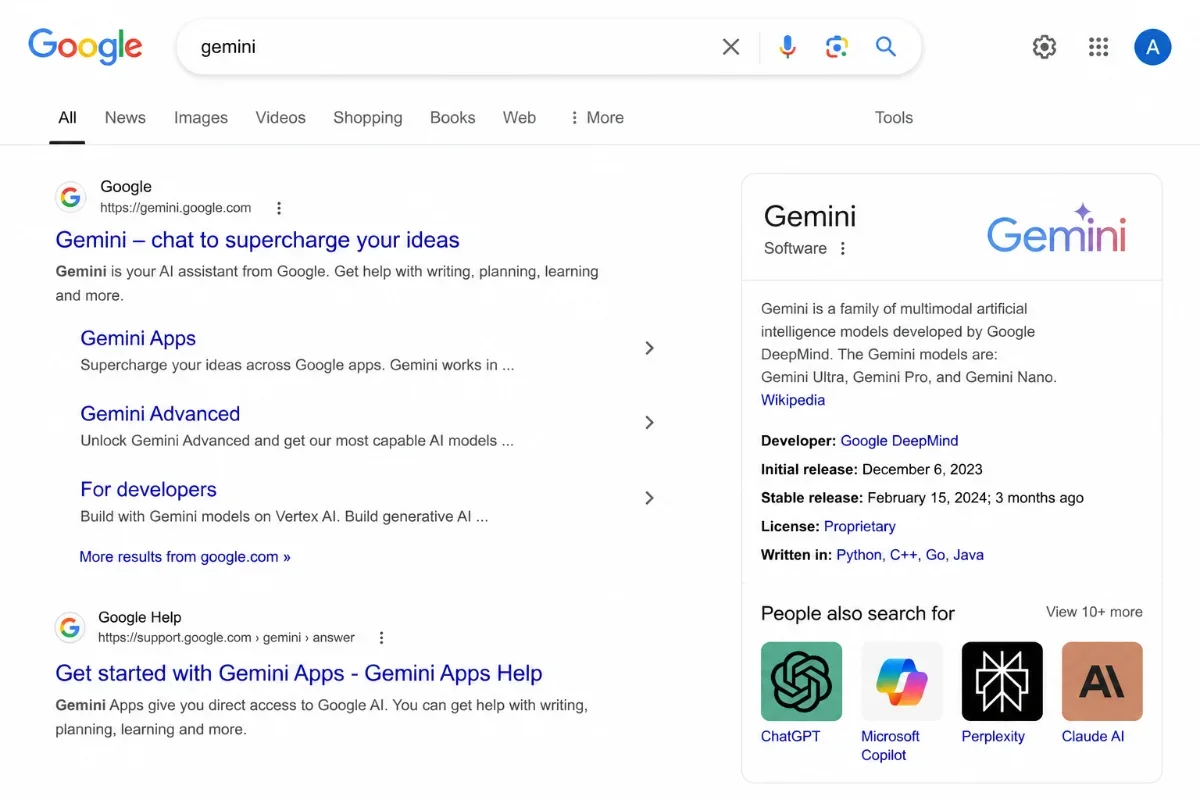
AI Overviews changed the search experience.
Google is no longer only showing links. Visibility now also means being trusted enough to be cited, summarized, and surfaced by AI.
The role of AI in enhancing search results
Google started weaving AI into Search years before anyone talked about chatbots. RankBrain showed up in 2015 to help interpret what people actually meant. BERT followed in 2019 to understand how words relate to each other in a sentence. MUM came in 2021 to handle multimodal questions and stitch information across languages.
Those were all behind-the-scenes upgrades. You never saw RankBrain. It just made your results a little better.
What changed recently is that the AI is now front and center. When you search for something complicated today, you often see a written-out answer at the top of the page. That answer is being generated on the spot by a large language model. That model is Gemini.
SEO Strategy Note
Search optimization now has to account for AI answers.
Strong headings, direct answers, schema markup, topic depth, trusted sources, and real expertise matter more than ever.
That holds just as true for property managers as any other industry — the fundamentals behind effective SEO for property management companies (clear service pages, demonstrated expertise, trustworthy local signals) are exactly what AI systems look for when deciding what to cite.
Our property management seo blueprint breaks those fundamentals into a step-by-step rollout, so PM websites know exactly what to prioritize first.
Understanding Google's AI: Gemini
What is Gemini in Chrome?
Gemini is Google's family of AI models. It powers the chatbot at gemini.google.com, the AI Overviews in Search, the new AI Mode, and a browser-side helper called Gemini in Chrome.
If you want the fuller picture of how these shifts affect owner-facing search specifically, our property management SEO 2026 Opportunity Report breaks down where the biggest visibility gaps are opening up for PM companies right now.
Browser Tip
Gemini in Chrome is not just another extension.
The official Gemini experience is built into Chrome and can help summarize pages, compare information, and assist with writing while you browse.
Gemini in Chrome is the version that runs inside the Chrome browser. It's not an extension you have to install from a sketchy third-party site. Google built it into Chrome and rolled it out as generally available in October 2025. It sits in your browser as a button you can click on any page.
You can ask it to summarize the article you're reading, pull the key points out of a long PDF, compare info across two tabs, or draft a reply to an email. It sees what you see, which makes it a lot more practical than flipping back and forth between Chrome and a separate chatbot tab.
Key features of Gemini
Here's what Gemini can do across Search and Chrome:
It writes long-form responses to questions. You can ask, "Explain the difference between a Roth IRA and a traditional IRA," and get a clean walkthrough.
It handles follow-ups. You can ask one question, then ask another, and it remembers the context of the first one.
It works with images, audio, and video. You can upload a photo of a plant and ask what it is, or paste a chart and ask what trends it shows.
It can read entire web pages and summarize them. Inside Chrome, this is especially handy for long news articles, terms-of-service docs, and product pages.
It can compare info across tabs. If you have three rental listings open, Gemini in Chrome can pull up a side-by-side breakdown without you copying anything.
It writes drafts. Emails, social posts, outlines, code snippets. You give it the gist, and it gives you a starting point.
For a PM company, that's a real time-saver across the whole property management marketing stack — owner newsletters, listing copy, social posts — provided a human still supplies the local specifics and firsthand detail that make content worth citing in the first place.
How Gemini transforms search queries
When you used to search "best electric SUV for road trips under 60k," Google would show you a few articles ranked by relevance. You'd skim them, take notes, and decide.
Now, Gemini does that legwork in the AI Overview. It pulls from multiple sources, weighs the trade-offs, and writes you a short answer with the main contenders, ranges, and what each one is known for. The blue links are still there underneath, but you don't have to open all of them to get an opinion.
For trickier questions, you can tap into AI Mode, which is basically a full conversation with Gemini built into Search. You ask the question, get a response, and keep going. It's the same idea as chatting with the Gemini app, except you never leave the search page.
Important Difference
AI Overviews summarize. AI Mode converses.
AI Overviews are short search summaries. AI Mode is the deeper conversational experience for follow-up questions.
The Technology Behind Google Search AI
What is the search AI called on Google?
The AI behind Google Search has two front-facing names you'll actually see: AI Overviews and AI Mode.
AI Overviews are the summaries that appear at the top of your search results for many questions. They're short, they're written in plain language, and they link to the sources they pulled from.
AI Mode is the conversational version. You opt into a back-and-forth chat where you can ask follow-ups, dig deeper, and have Gemini run multiple related searches in the background to build a more complete answer.
Under the hood, both of them run on Gemini. As of January 2026, Google made Gemini 3 the new default model for AI Overviews globally, which is the same model already running AI Mode. So when people ask what the search AI is called, the short answer is: Gemini. The longer answer is: Gemini 3, served to you through either the Overview format or the AI Mode chat format.
Who does Google use for AI?
Google builds its own AI. Gemini was developed by Google DeepMind, which is Google's in-house research arm. Unlike some companies that license a model from someone else, Google trains and operates Gemini end-to-end.
That matters for a couple of reasons. First, Google can tune the model specifically for Search, which means it knows how to handle live web data, citations, and the Knowledge Graph in ways a general-purpose chatbot can't. AI Mode taps into fresh real-time sources like the Knowledge Graph, info about the real world, and shopping data for billions of products, which only works because the same company owns both the model and the data.
Second, Gemini powers a bunch of other Google products, too. The Gemini app on your phone, Gemini in Chrome, AI features in Gmail and Docs, and now Search. They're all the same underlying model, just dressed up for different jobs.
Generative AI search: An overview
Generative AI search is the umbrella term for what's happening here. Instead of just matching your keywords to existing web pages, the AI generates a new answer for you on the spot, pulled together from many sources.
There's a specific trick AI Mode uses called query fan-out. It issues multiple related searches concurrently across subtopics and multiple data sources and then brings those results together to provide an easy-to-understand response. So if you ask about sleep tracking on a smart ring versus a watch versus a mattress sensor, it doesn't run one search. It runs a bunch, on each device type, on the underlying technology, on accuracy comparisons, and then assembles one response.
Behind the Scenes
AI Mode can run multiple searches at once.
It can break your question into subtopics, search across multiple angles, and combine the findings into one response.
The newer Gemini 3 version also does something kind of wild with the response format. Gemini 3 in AI Mode can dynamically create the ideal visual layout for responses on the fly, featuring interactive tools and simulations tailored to your query. Ask about mortgage options, and it might build you a working calculator right in the response. Ask about a physics problem, and it might give you a simulation you can play with.
Utilizing Gemini in Chrome
How to get Gemini in Chrome
Adding Gemini to Chrome is straightforward, but the exact steps depend on whether you're using Chrome on your computer or a phone.
On desktop:
Open Chrome and make sure you're running the latest version. Click the three-dot menu in the top-right corner, then go to Help>About Google Chrome. If there's an update, it'll install.
Sign in to Chrome with the Google account you want to use with Gemini.
Look for the Gemini sparkle icon in the top right of the toolbar. If it's there, click it.
If you don't see it, head to chrome://settings, search for "Gemini," and turn it on.
You'll get a quick walkthrough the first time you open it, and then it sits in your toolbar ready when you need it.
On Android:
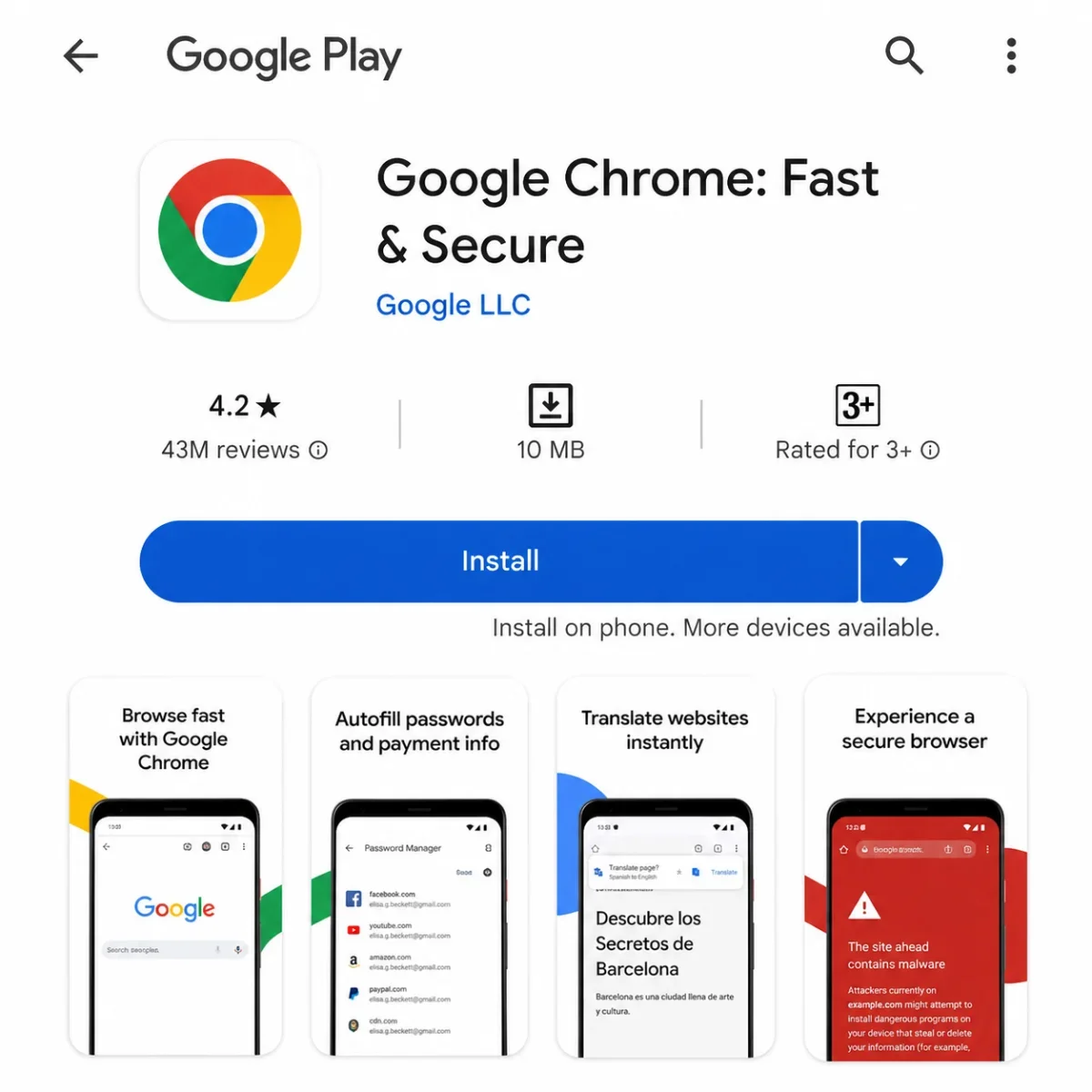
Gemini in Chrome on mobile is rolling out gradually. On a supported device, you'll see a Gemini option when you tap the address bar or the menu. If you don't have it yet, make sure Chrome is updated to the most recent version through the Play Store.
On iPhone:
iOS support has been slower to arrive. For now, the most reliable way to use Gemini on an iPhone is the standalone Gemini app from the App Store. You can also visit gemini.google.com in mobile Safari or Chrome.
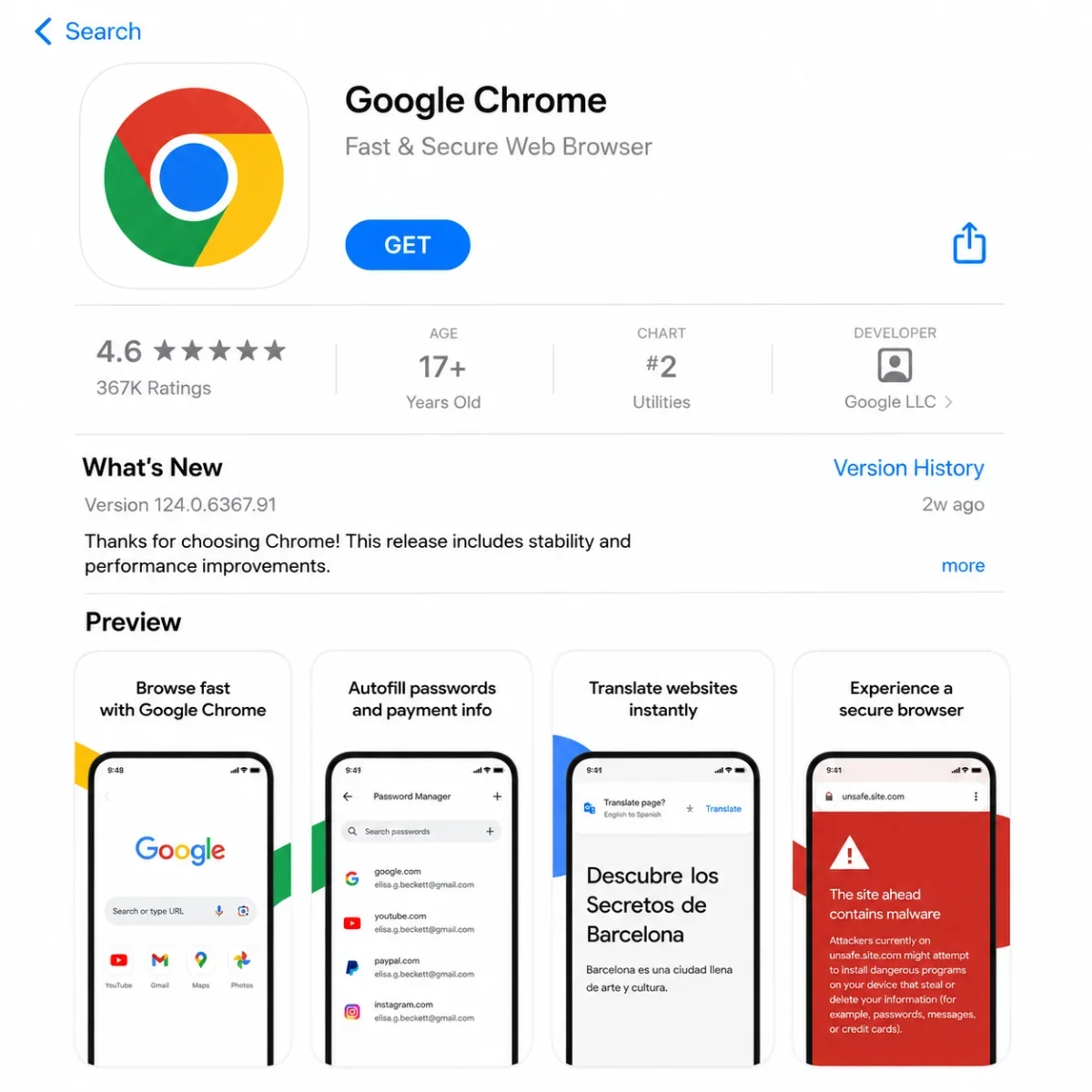
How to have Gemini in Chrome
If you already have Chrome updated and signed in, but you're not seeing Gemini, here's what to check.
Make sure you're signed in to a personal Google account, not a school or work account that has restrictions. Some workspace accounts have Gemini disabled by an admin; in that case, you'd need to ask them to switch it on.
Check your region. Gemini in Chrome is now available in many countries, but a few haven't rolled it out yet. If you're traveling or using a VPN, that can affect what features you see.
Check your age. Gemini has age requirements that vary by country. In the US, you generally need to be 18 or have a supervised Google Family account set up by a parent.
If everything looks right and you still don't see the icon, try restarting Chrome or signing out and back in. That clears up most issues.
The 2026 Property Management SEO Opportunity Report
See how property management companies are showing up in search, where lead opportunities are being missed, and what owners are actually searching for in 2026.
Gemini Chrome extension vs. other extensions
There's a small confusion worth clearing up. When people search for "Gemini Chrome extension," they sometimes land on third-party extensions made by random developers. Those existed before Google built Gemini into Chrome directly, and a lot of them are fine, but they're not the same thing.
The official Gemini in Chrome is built by Google, lives inside the browser itself, and has access to your active tab and your Google account. It's not technically an extension. It's a feature of Chrome.
Third-party "Gemini" extensions usually do one of two things. Some are wrappers that send your prompt to the public Gemini website. Others use the Gemini API to do more focused tasks, like summarizing a page or rewriting text in a sidebar.
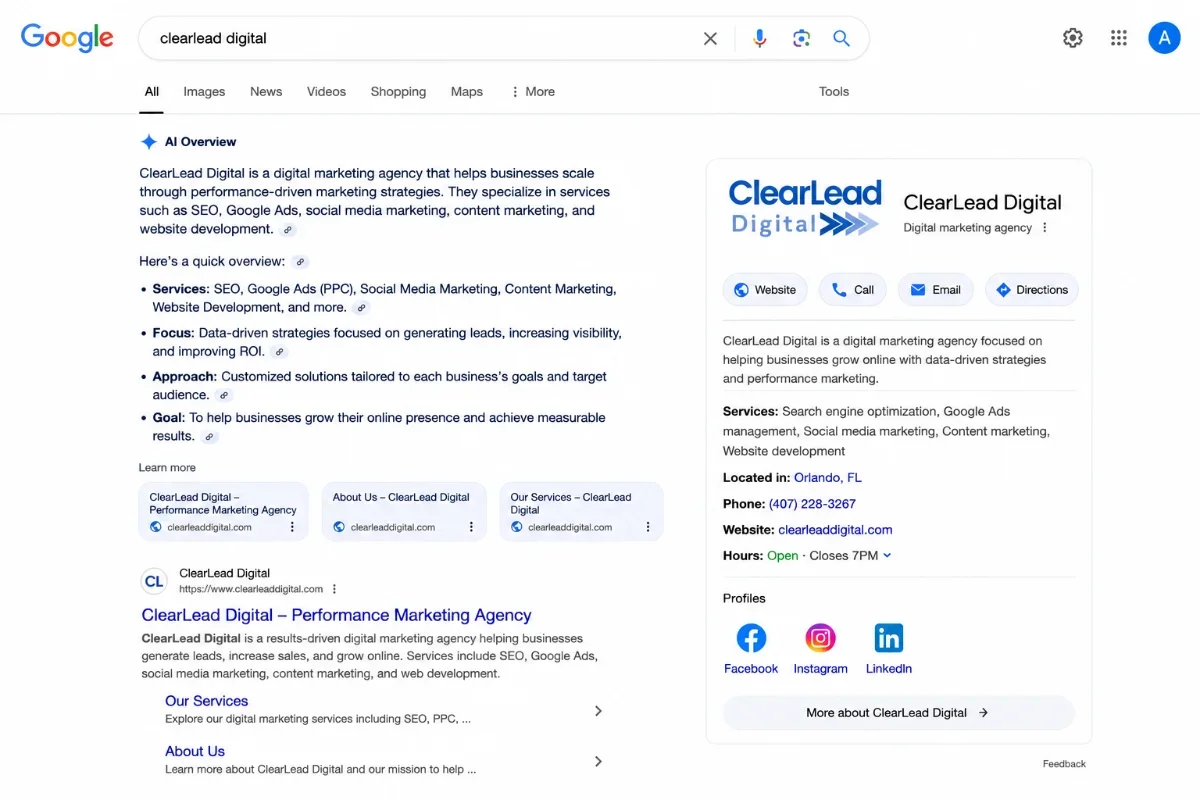
Security Reminder
Be careful with third-party “Gemini” extensions.
Use Google’s official Gemini experience when possible. Before installing third-party tools, check the developer, permissions, ratings, and privacy details.
If you want the full official experience with the latest model, page-awareness, and proper account integration, go with the built-in version. If you have a specific job in mind that a third-party extension does better, those can be useful too. Just check the developer name and the reviews before you install anything.
There's also the standalone Gemini for Chrome listing in the Chrome Web Store, which Google publishes. That's legit. The distinction is really about whether the icon shows up in your toolbar natively or whether you installed something separate. Most people just want the native version, and that's what came with the October 2025 update.
Want to understand how AI tools decide which property management companies to mention, cite, and recommend? Read our related resource: How Property Managers Show Up in AI.
Frequently Asked Questions
-
Gemini is the new name. Google renamed Bard to Gemini in early 2024, and the underlying model got upgraded too. So if you remember Bard, you already know Gemini. It's the same product, more capable now.
-
The default versions of AI Overviews, AI Mode, and Gemini in Chrome are free. Google offers a paid plan called Google AI Pro and a higher tier called Ultra that unlock more advanced features, higher usage limits, and access to newer models earlier. For most casual use, the free version is plenty.
-
You can switch your default search mode to "Web" which strips out the AI summaries and shows you just the classic link results. It's a tab at the top of the search results page. Google doesn't currently offer a permanent setting to turn them off across the board, but the Web tab is a one-click workaround.
-
Gemini in Chrome only sees what's on your active tab when you ask it to look. It's not constantly scanning your browsing history in the background. For features like Personal Intelligence, which can pull from your Gmail or Photos, you opt in explicitly and can turn it off.
-
That depends on what you're doing. Gemini is tightly tied to Google Search and the Google ecosystem, which makes it strong for live info, shopping, and anything where current data matters. ChatGPT has its own strengths, especially for coding and certain writing tasks. Most people who use both end up picking based on the specific job, not on one being universally better.
-
AI Overviews are the short summaries you see automatically on search results. AI Mode is the full conversation experience you opt into when you want to ask follow-ups and go deeper. You can now ask follow-up questions directly from an AI Overview and start a conversation, so the two flow into each other. Google
For Business Owners
AI search rewards content that is easy to understand and easy to trust.
Strong SEO in 2026 means clear answers, credible expertise, schema, internal links, and topical authority.
Conclusion
Future of AI in Google Search
Search is changing faster right now than it has at any point in the last 20 years. AI Overviews already reach over a billion people. AI Mode is becoming a real conversation layer on top of every query. Gemini in Chrome means your browser is no longer a dumb window onto the web, it's a thinking partner that knows the page you're on.
Where this goes next is pretty clear. More automatic routing where complex questions go to the most capable model and simple ones get fast answers. More multimodal stuff, like asking with your voice or your camera. More personalization, where the AI knows your preferences and history if you opt in. And more interactive responses, where the answer isn't a paragraph but a tool you can use.
AI Search Is Changing SEO
Ranking on Google is no longer the only visibility play.
As more prospects use AI platforms like ChatGPT, Gemini, Perplexity, and Google AI Overviews to research service providers, your content needs to be structured for both search engines and answer engines. That means clear expertise, entity signals, schema, trust-building content, and direct answers AI can confidently reference.
Read: The Future of Ranking on AI Platforms →Final thoughts on improving user experience with AI
The paid side of AI search is also opening up, with agencies running ChatGPT ad campaigns now placing brands inside ChatGPT's answers rather than only optimizing to be cited by them. If you've been ignoring all this because it felt like marketing hype, now's a good time to actually try it. Open Chrome, click the Gemini icon, and ask it something you'd normally Google. Or run a hard question through Search and see what AI Mode does with it.
You'll figure out pretty quickly where it helps and where the old blue links still beat it. Both are still there for a reason. The AI just gives you a shortcut for the messy questions that used to take five tabs to answer.
If you build websites, write content, or run any kind of online business, the bigger takeaway is that the search results page is now an AI page first and a list of links second. Plan accordingly.
AI Search Visibility
Your next lead may never scroll through page one.
ClearLead Digital helps businesses build SEO strategies for Google, AI Overviews, ChatGPT, Gemini, Perplexity, local search, and the places buyers now research before they ever click.
Schedule Your SEO Strategy Call →